
Talk to an account specialist to get started, 1-123-456-7890.
Trusted by thousands of businesses.








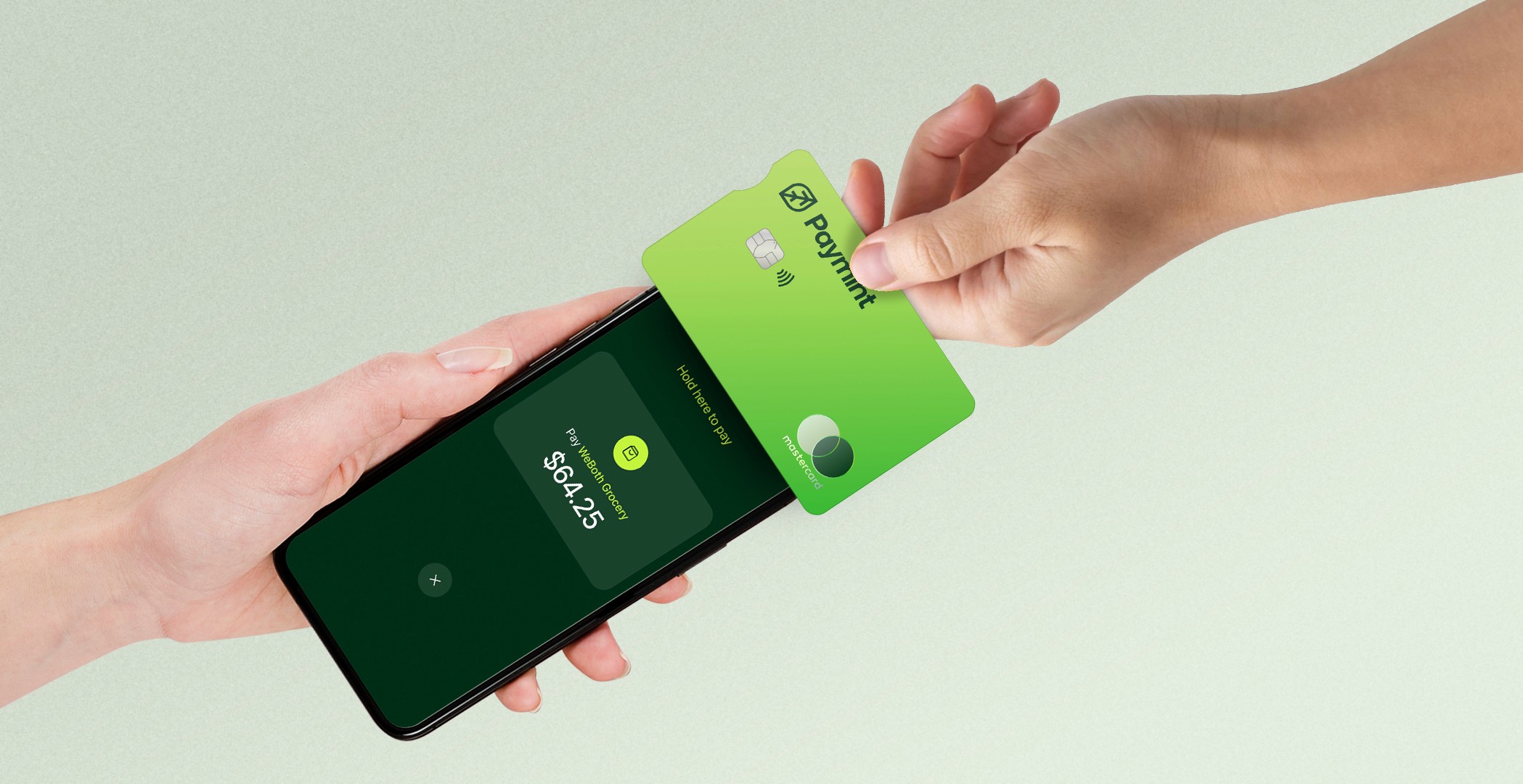
Tap to Pay on iPhone uses the built-in features of iPhone to
help keep your business and customer data secure.
No extra hardware needed
Built in security
Competitive pricing




Accept payments in 35+ currencies into dedicated
currency accounts. We won't convert your card payments unless you ask us to
35+ currencies.
Categorise accounts.
Centralise your reporting.
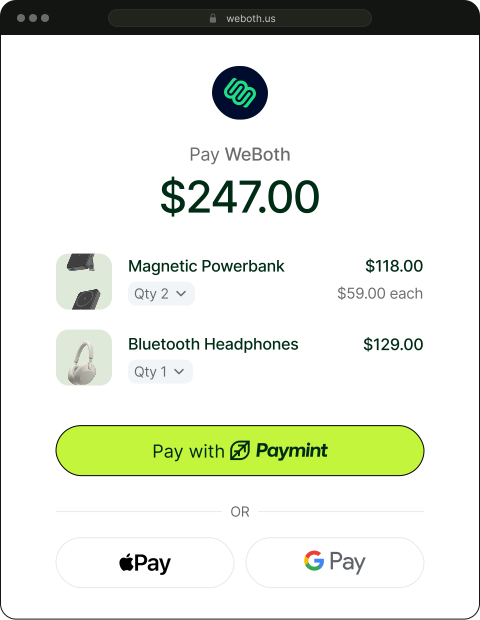
Offer a seamless checkout experience for the growing pool of 30+ million Evolution Customers.
Increased conversions
Customisable widget.
Access the world of Paymint.


Subheading
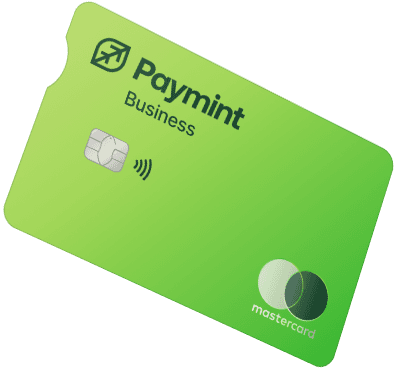
Big or small your team is, Evolution cards have got you covered. Spend securely with physical and virtual debit cards that you control.
Globally accepted
Track Expenses.
No Minimum Balance.
Industry solutions

Accountancy

E-commerce

Financial Institutions

Education

Healthcare

Travel

Manufacturing

SaaS

Real Estate
Keep more of your hard earned profits with our great exchange rates.

Save on unnecessary bank charges
There are no account opening fees, monthly maintenance charges, or minimum transaction requirements.

Global cash management
Convert held balances to different currencies in just a few clicks and review your global transactions in a single view.

Know your funds are safe
Relax knowing that your money is secure and
protected with end-to-end encryption and bank-level security.
Here to help
Discover responses to common asked questions about our product and services.
What is Framer?
Framer is a no-code tool for building and publishing responsive websites—perfect for anyone creating modern, high-performance pages without coding.
Do I need to know how to code to use Framer?
Framer is fully visual with no code needed, but you can still add custom code and components for more control if you're a designer or developer.
What is this FAQ component?
This is a free, responsive FAQ section for Framer. Drop it into any project, customize styles and text, and use it to save time on support or info pages.
How do I add this FAQ component to my project?
Can I customize the design of this component?
Ready to get started?